Is patient information kept private?
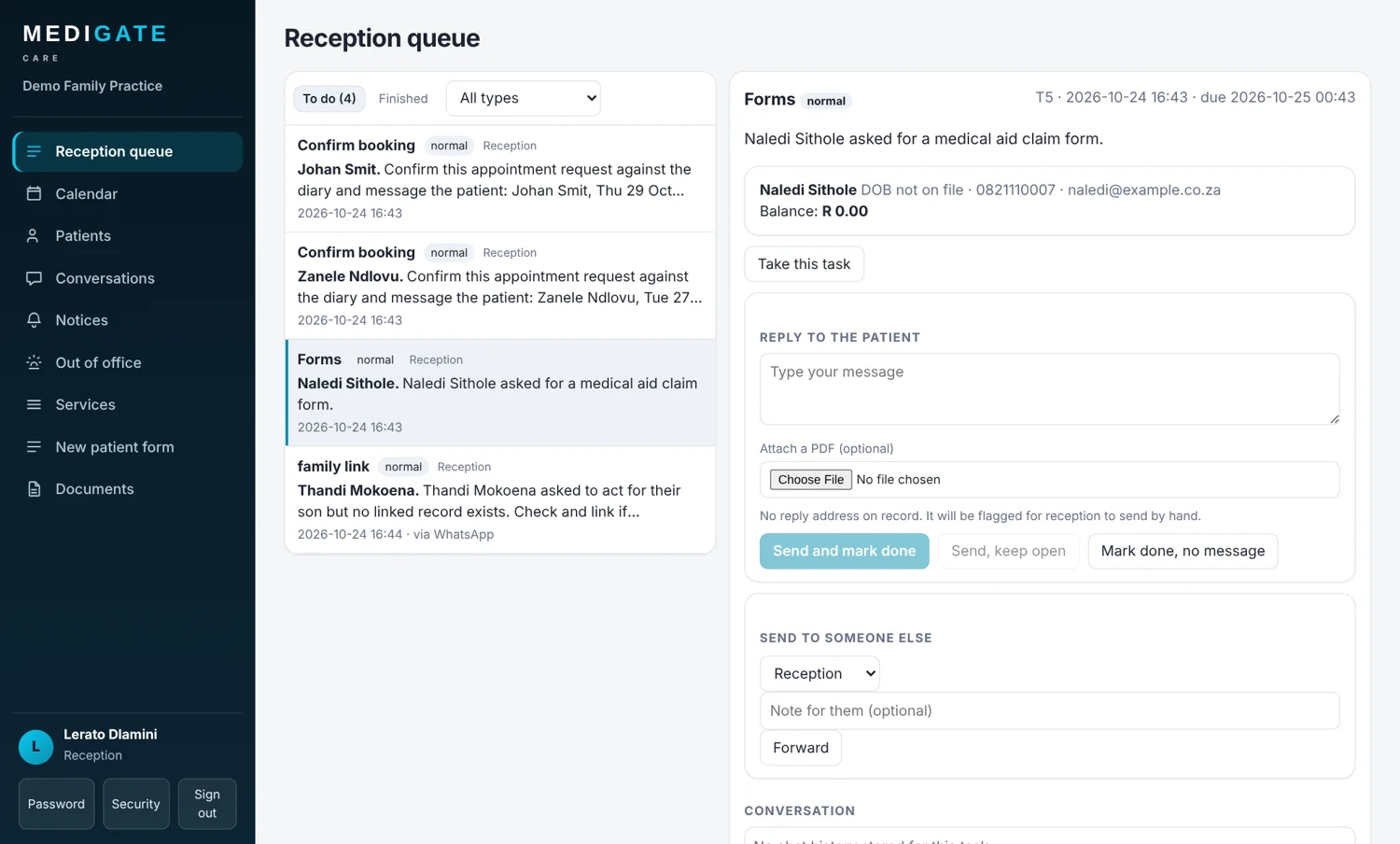
Each practice's data is stored separately from every other practice and encrypted. Staff only see what their role allows, and the assistant asks patients to confirm who they are before sharing anything private.
Does the assistant give medical advice?
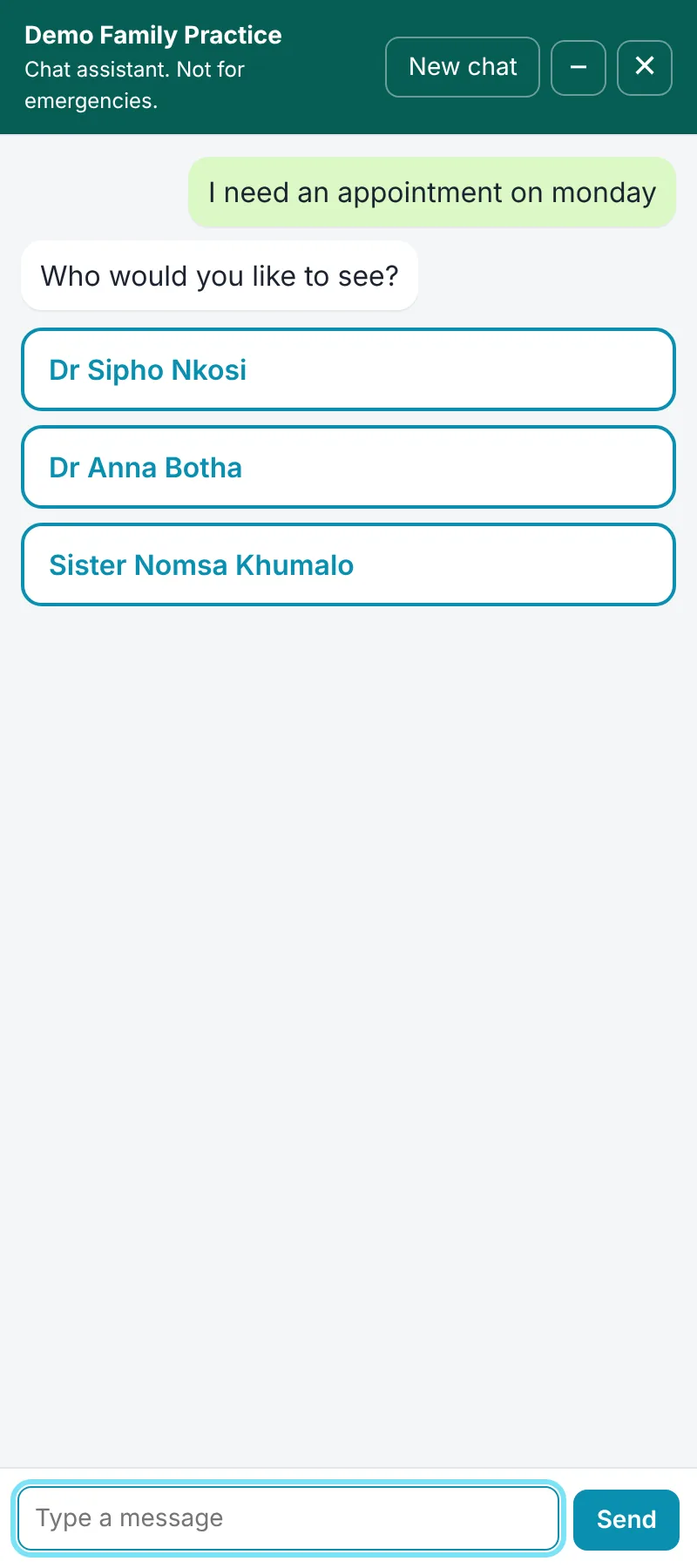
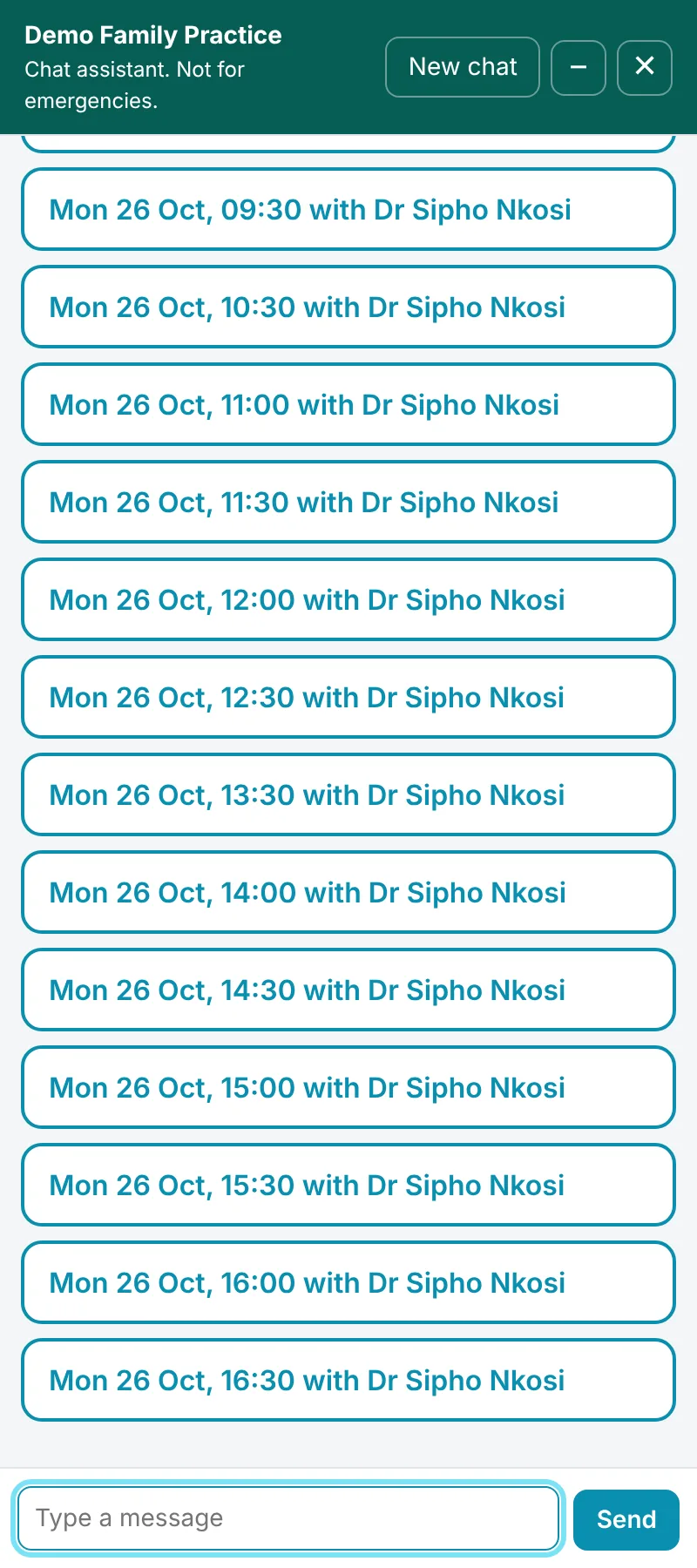
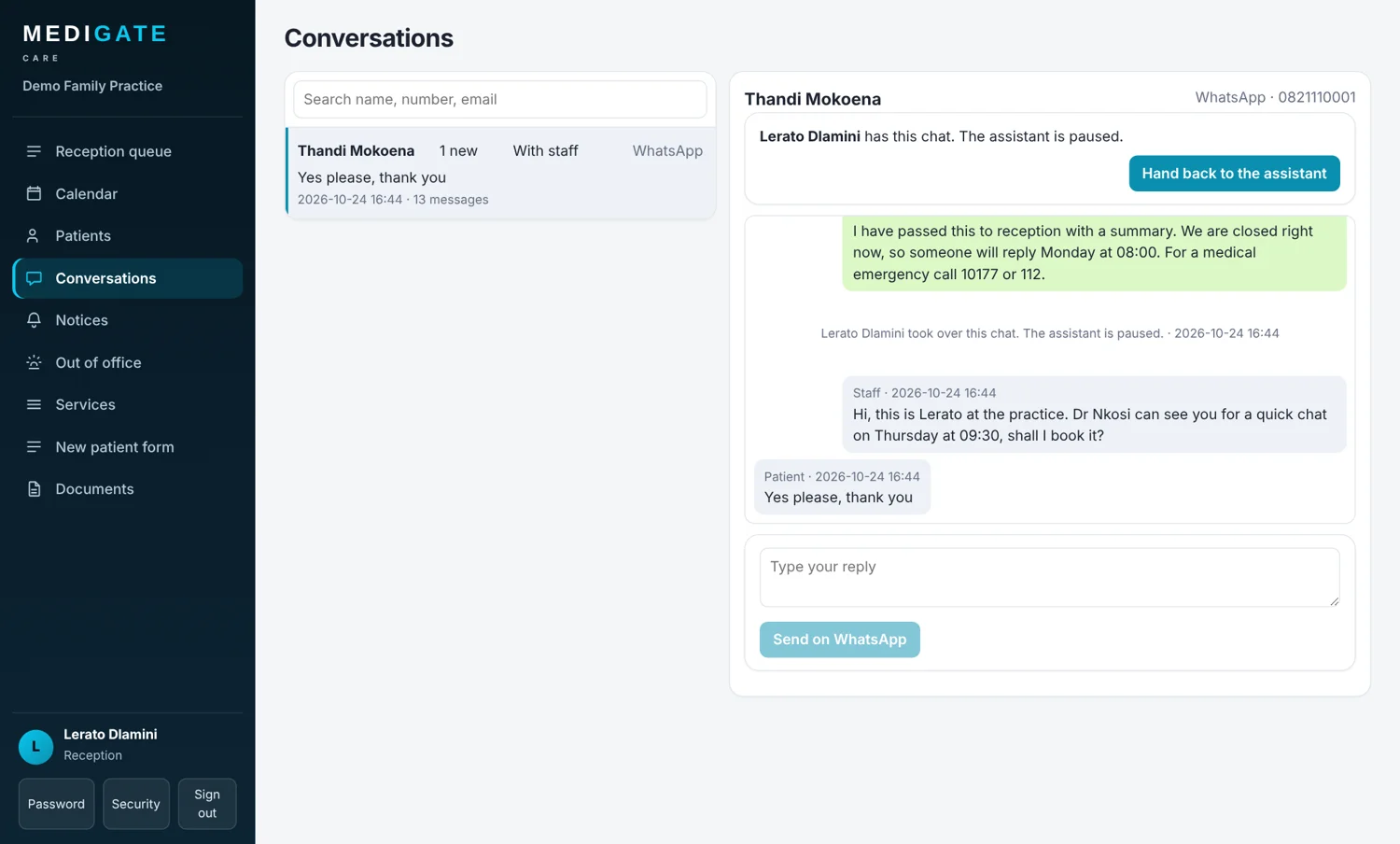
No. It books, moves and cancels appointments, answers questions about the practice, and passes anything clinical to a person. If a message sounds like an emergency it replies at once with emergency numbers and alerts staff.
Do I need my own website?
Not to start. Every practice gets a chat page it can share. If you do have a website, you paste one line of code and the chat and WhatsApp buttons appear on it, working only on the websites you register.
What happens after I pay?
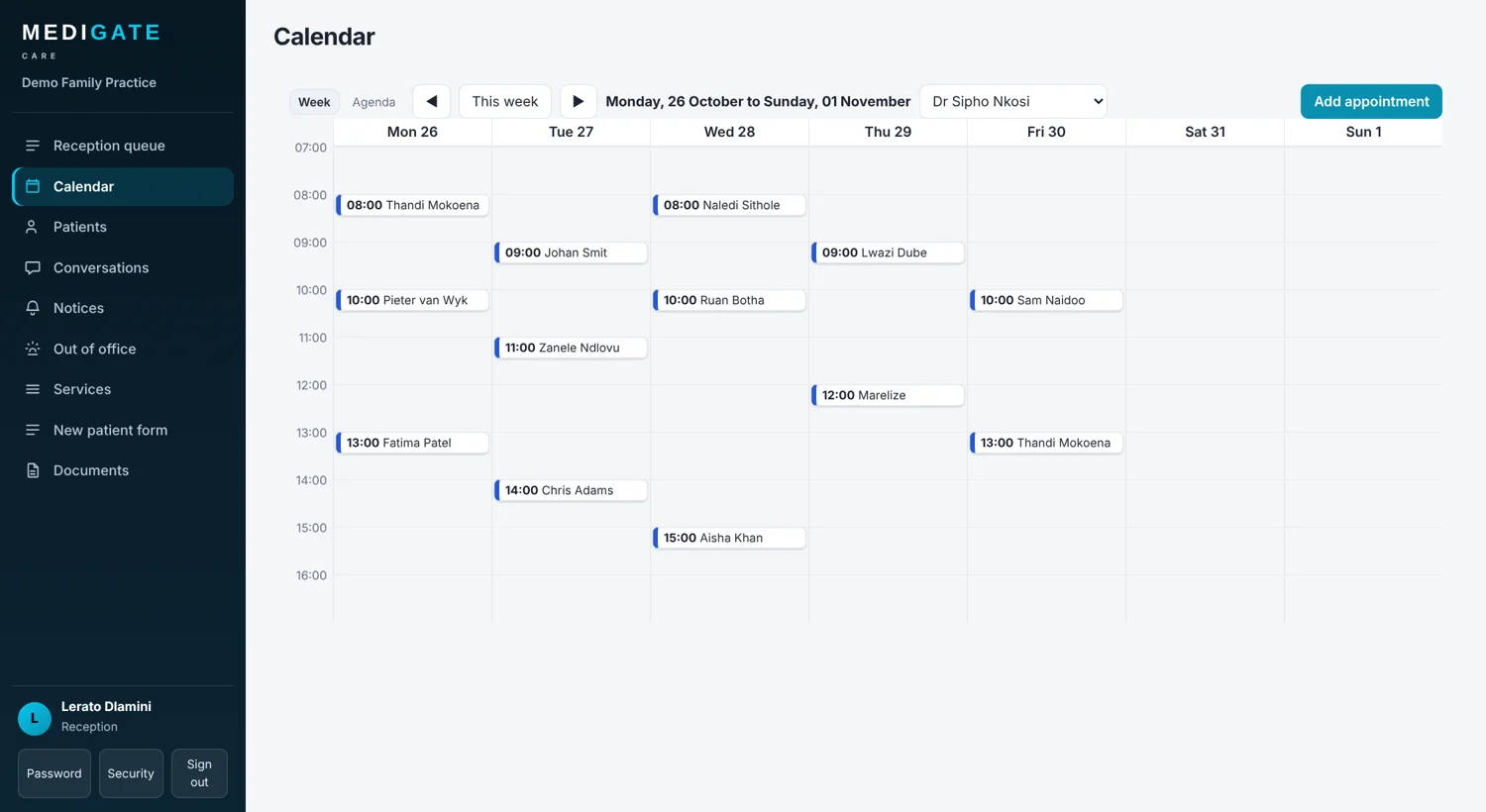
You pay on PayFast's secure page. As soon as PayFast confirms the payment, your practice is switched on and you can sign in with the email and password you chose, add your staff and set your opening hours.
Can I change my plan later?
Yes. The plan sets the packs and the number of staff logins, and it can be changed for your practice at any time.